Pano Scrobbler

Downloads
Windows:


WinGet:
winget install -e --id kawaiiDango.pano-scrobbler
Windows releases are unsigned, so a SmartScreen warning about “Unknown Publisher” is normal.
The installer also has an “extract only, no install” mode for portable use.
Linux:






Arch (AUR):
yay -S pano-scrobbler-bin
Debian/Ubuntu:
curl -sL "https://keyserver.ubuntu.com/pks/lookup?op=get&search=0x5CB896FA8DAF303AEB5FCE4DDB06725ACB6921A0" \
  | gpg --dearmor \
  | sudo tee /etc/apt/keyrings/kawaiiDango.gpg > /dev/null
echo "deb [signed-by=/etc/apt/keyrings/kawaiiDango.gpg] https://kawaiidango.netlify.app/apt all main" | sudo tee /etc/apt/sources.list.d/pano-scrobbler.list
sudo apt update
sudo apt install pano-scrobbler
Fedora (COPR):
sudo dnf copr enable kawaiidango/pano-scrobbler
sudo dnf install pano-scrobbler
Nix flake:
Full instructions at kawaiiDango/pano-scrobbler-flake
github:kawaiiDango/pano-scrobbler-flake
AppImage:
The AppImage runs anywhere, requires no installation, has automatic updates and can optionally add itself to the application launcher for convenience. Just make it executable before running:
chmod +x pano-scrobbler-linux-*.AppImage
The desktop versions do not use any closed source libraries.
Android (phones, tablets, TVs and Chromebooks):





Since v4.0, the non-Play builds do not use Firebase Crashlytics, Google Play Services, or any closed source libraries.
Installing the non-Play version from the F-Droid compatible repo, IzzyOnDroid or Obtainium will get you automatic updates.
APK SHA256 fingerprint for non-Play builds:
9E:68:AB:6B:D6:11:CE:79:DD:5D:53:E3:5A:15:CF:93:CF:73:9A:4E:94:C4:9A:B1:BF:10:DD:12:65:F0:2E:6C
Translate

FAQ • Privacy • Compiling
Features:
For all platforms (Windows, Linux, Android, Android TV):
- No ads ever
- Scrobbles to Lastfm, Librefm, ListenBrainz, Pleroma and other compatible services
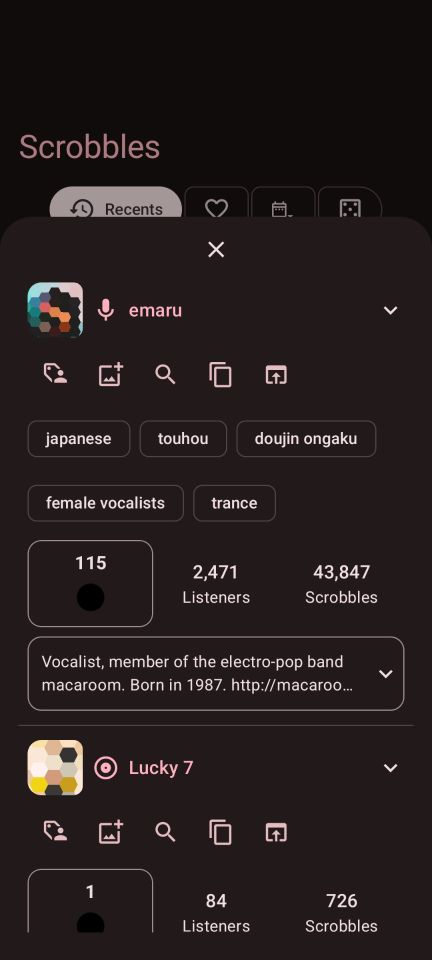
- View song, album, artist, album artist, and tag details
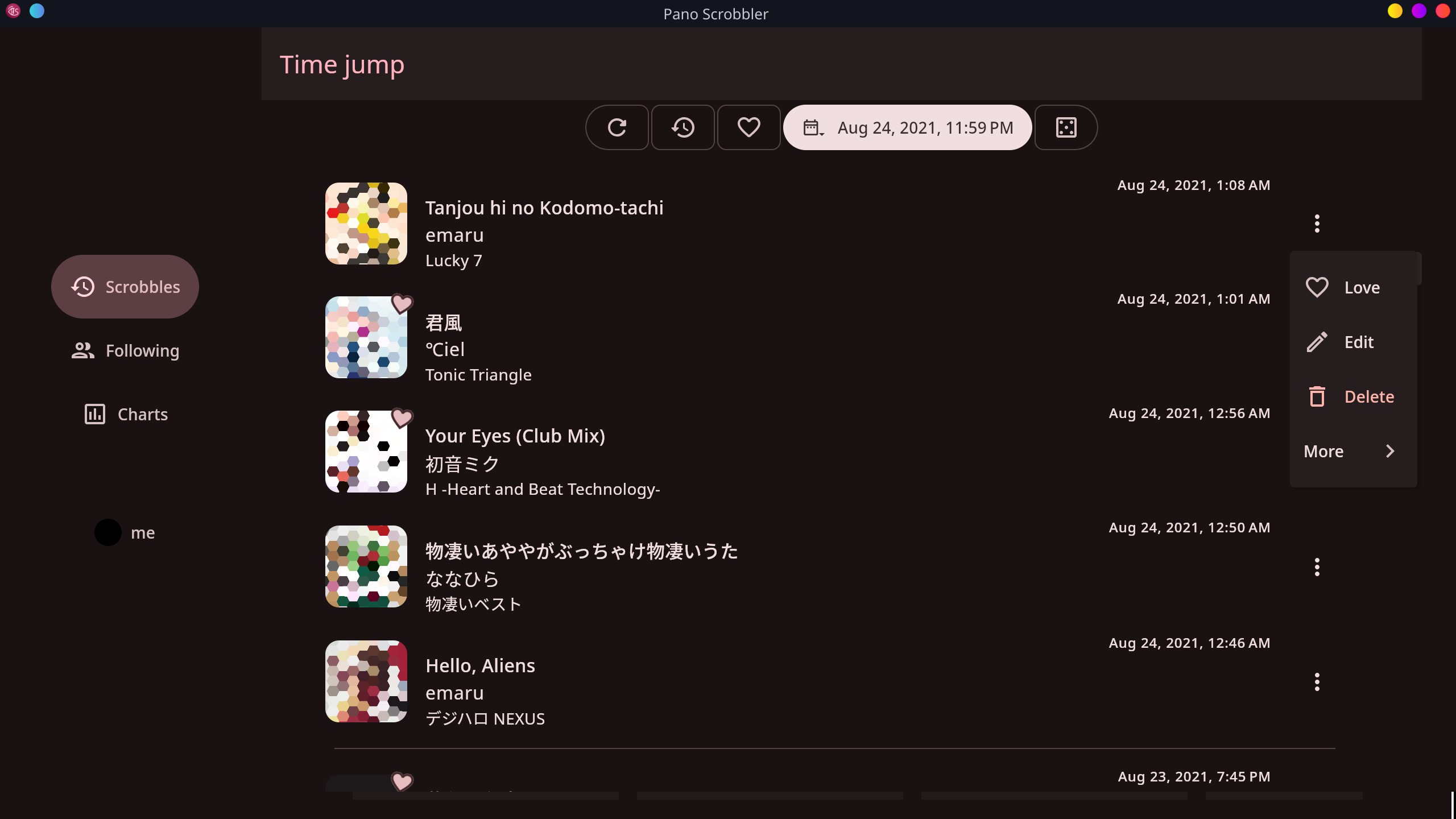
- View scrobbles from a specific time, such as last year or last month
- Extract or fix metadata such as “Remastered” with regex pattern edits
- Extract the first artist from a string of all performers before scrobbling
- Block artists, songs, etc., and automatically skip or mute when they play
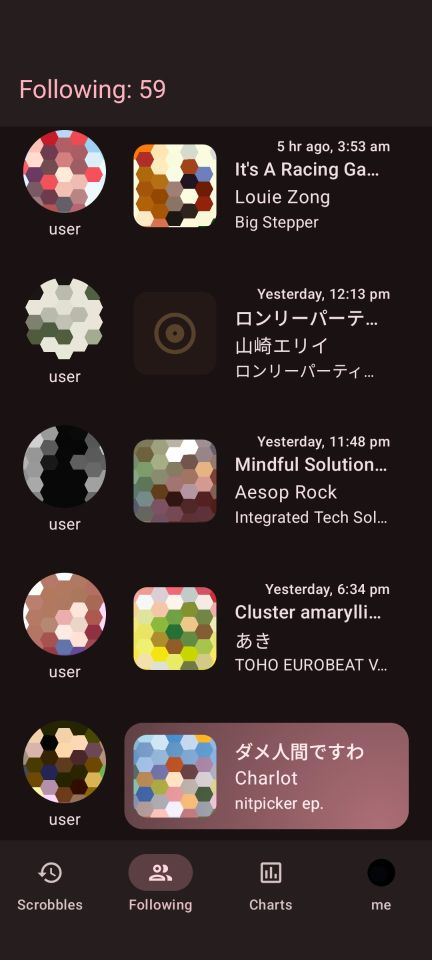
- Check what your followed users are listening to and view their stats
- Import and export settings, edits, and blocklists
- View charts with change indicators for specific time periods
- View scrobble count graphs and tag clouds
- Get a random song, album, or artist from your listening history
- Search Lastfm for songs, artists, or albums
- Themes
- Remember and see apps you scrobbled from and play directly in them
- Supports network proxies
For desktop and Android (except TV):
- Scrobble to a CSV or JSONL file locally
- Interactive notification - view song info, edit, love, cancel, or block songs directly from the notification
- Collage generator
- Add or remove personal tags from the info screen
- Edit or delete existing scrobbles. Remembers edits
- Control Pano Scrobbler from automation apps on Android or command-line on desktop
Android only (except TV):
- Scrobble from apps that identify music playing around you: Pixel Now Playing, Shazam, Ambient Music Mod and Audile.
- Charts as a customizable home-screen widget
- Get your top scrobbles digests as a notification at the end of every week, month and year
Desktop only:
- Customizable Discord Rich Presence
Credits
- YouTube title parser from Web Scrobbler and Metadata Filter
- Icons from pictogrammers.com and Material Symbols
- Genres filter from everynoise.com
- Tidal SteelSeries Integration from TidalRPC
- Artists list from MusicBrainz
Thanks to the amazing translators and everyone who reported bugs and helped me with this project.
Disclaimer
This project is not affiliated with Last.fm, Libre.fm, ListenBrainz or any other scrobbling service.
License
SPDX-License-Identifier: GPL-3.0-or-later
Pano Scrobbler is licensed under the GNU General Public License v3 or later.